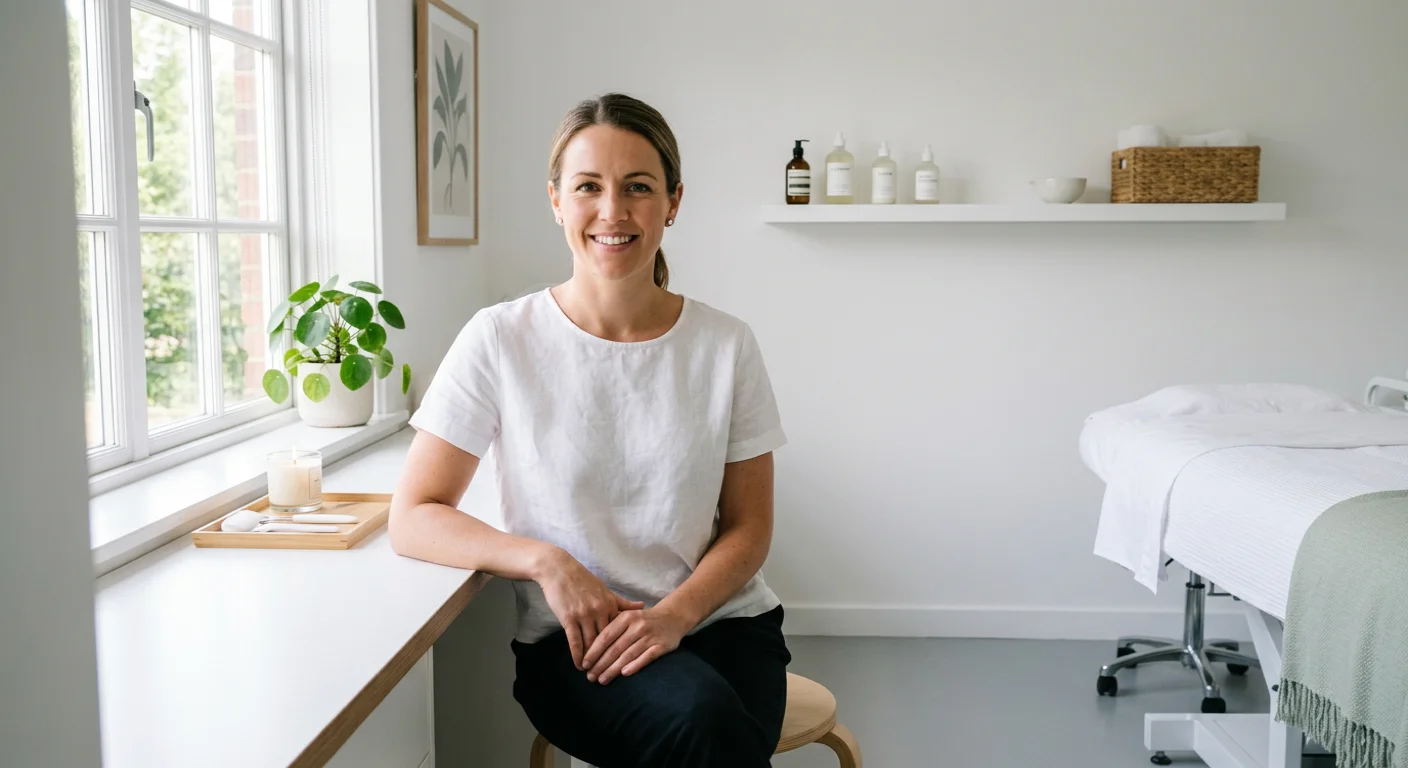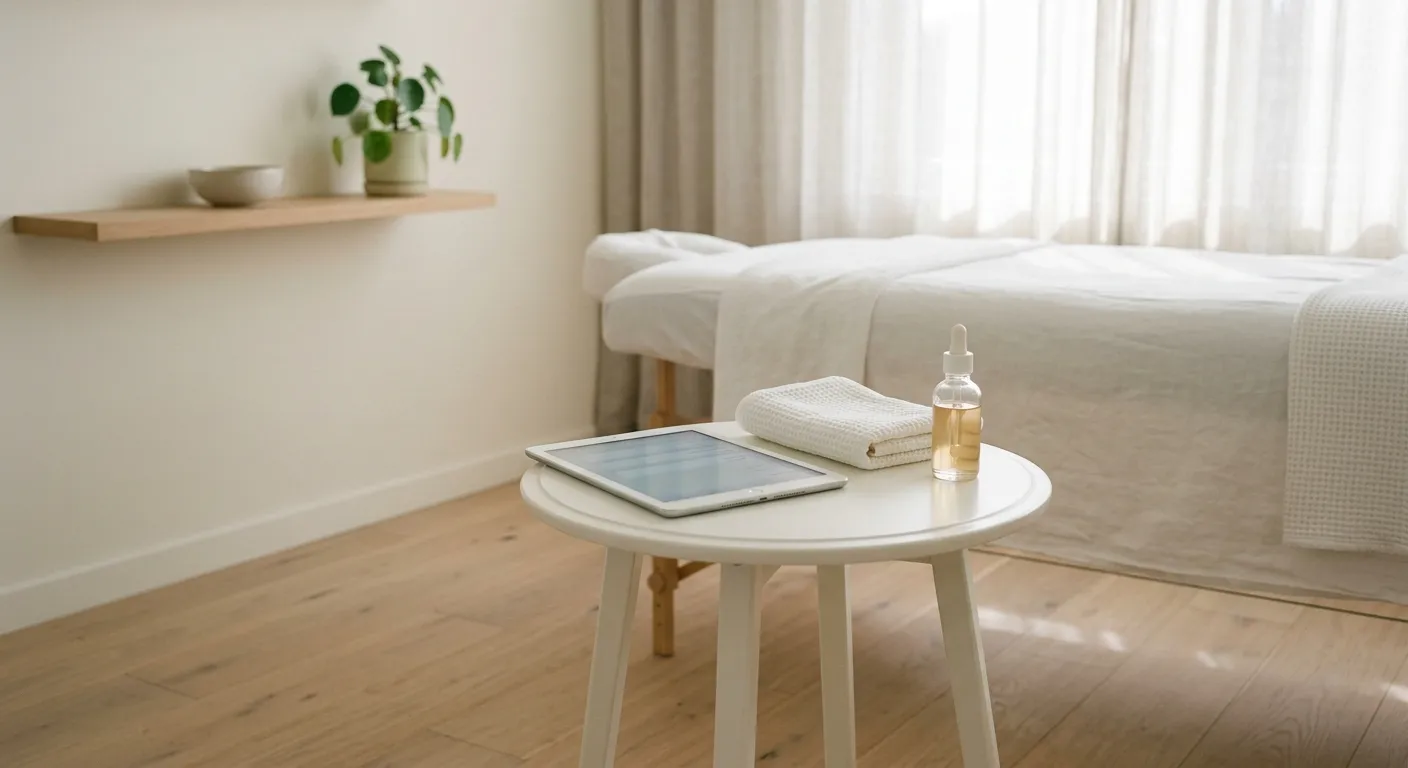
Twelve minutes. That was how long my new clients spent sitting in my treatment room filling out a clipboard before I could touch their skin. Twelve minutes of a 60-minute appointment, gone to paperwork. I tracked it for a month. The average was 11 minutes and 40 seconds across 14 new clients.
Then I switched to digital intake forms. Three months later, I tracked again. Average time from door to treatment bed: 2 minutes. The forms were already done.
The paper intake reality
For three years, I ran paper intake forms. A two-page printout on a clipboard. The client filled it out by hand while I stood around or pretended to organize product. I then had to read their handwriting (sometimes illegible), manually enter the important parts into my booking notes, and file the physical sheet. Here is what that process actually cost.
| Task | Paper | Digital |
|---|---|---|
| Client fills out form | 12 min in the treatment room | Done at home before arrival |
| Reading handwriting | 2-3 min per form | 0 min (typed, structured) |
| Transcribing to notes | 3-5 min after appointment | 0 min (auto-saved to profile) |
| Filing physical form | 1 min plus storage space | 0 min (stored digitally) |
| Retrieving form for return visit | 2-4 min digging through files | 5 seconds (search by name) |
| Lost or damaged forms | ~2 per quarter | Never |
| Total admin per new client | 20+ min | Under 2 min |
Twenty minutes of admin wrapped around every new client. At four new clients a week, that is 80 minutes of unpaid labor. Per week.
What I switched to
I moved my intake form online. The form goes out automatically when a new client books. They fill it out on their phone before they walk in. By the time they arrive, I have their medical history, skin concerns, allergies, medications, and consent signature sitting in their client profile.
The form itself is five sections. Each one matters.
1. Contact and demographics. Name, email, phone, date of birth. Standard, but digital means I never re-enter it.
2. Medical history. Current medications, past surgeries, autoimmune conditions, pregnancy. This is the safety section. Digital forms let you add conditional questions: if they check “yes” on medications, a follow-up field asks which ones. Paper forms cannot do this without becoming four pages long.
3. Skin concerns and goals. What brought them in, what they have tried before, what they want to improve. Their words, not yours. This section feeds directly into the consultation process and gives you language to reflect back when you present a treatment plan.
4. Product and allergy sensitivities. Latex, fragrance, specific ingredients, past reactions. This section prevents bad outcomes. On paper, clients often skip it or write “none” without thinking. Digital forms with checkboxes for common allergens get more honest answers because checking a box is easier than writing a sentence.
5. Consent and signature. Treatment consent, photo release, cancellation policy acknowledgment. One e-signature covers all three. No more printing three separate forms.
✅ Send it with the confirmation, not separately
Attach the intake form link to your booking confirmation message. Clients are most motivated to complete it right after booking. A separate email sent later gets ignored. One message, one link, done before they forget.
The three things that changed
My first appointments got longer. Not on the clock. On the treatment table. Removing 12 minutes of paperwork gave me 12 more minutes of actual service. I started offering a complimentary hand or arm massage during the mask phase for new clients. That small addition produced more five-star reviews than any other change I have made in ten years.
Lost paperwork stopped. Paper forms disappeared into folders, got coffee-stained, got misfiled. Twice, I had a returning client whose intake form I could not find. That is a liability problem and a trust problem. Digital forms do not get lost. They do not get misfiled. They sit in the client profile permanently, right next to the session notes I add after each visit.
My pre-appointment prep improved. When the form arrives digitally before the appointment, I read it the night before or the morning of. I walk into the room already knowing her skin history, her goals, and her sensitivities. I am not scanning a clipboard while she sits there. According to healthcare intake research, digital pre-visit forms save up to 15 minutes per patient visit in clinical settings. My numbers track with that.
The setup checklist
This took me about two hours on a Saturday afternoon. You do it once.
What I would do differently
I waited three years to make this switch because I thought digital forms would feel impersonal. The opposite happened. Clients told me the form felt professional. One said it reminded her of her dermatologist’s office. That comparison, solo esthetician to dermatologist, is the kind of positioning you cannot buy.
If you are still handing someone a clipboard when they walk in, you are spending your best minutes on the worst part of the experience. The form takes two hours to build. The 10 minutes it returns to every new client appointment is yours forever.
That 10 minutes, over a year of four new clients a week, is 34 hours. A full working week. Built from a system that runs itself after the first afternoon.