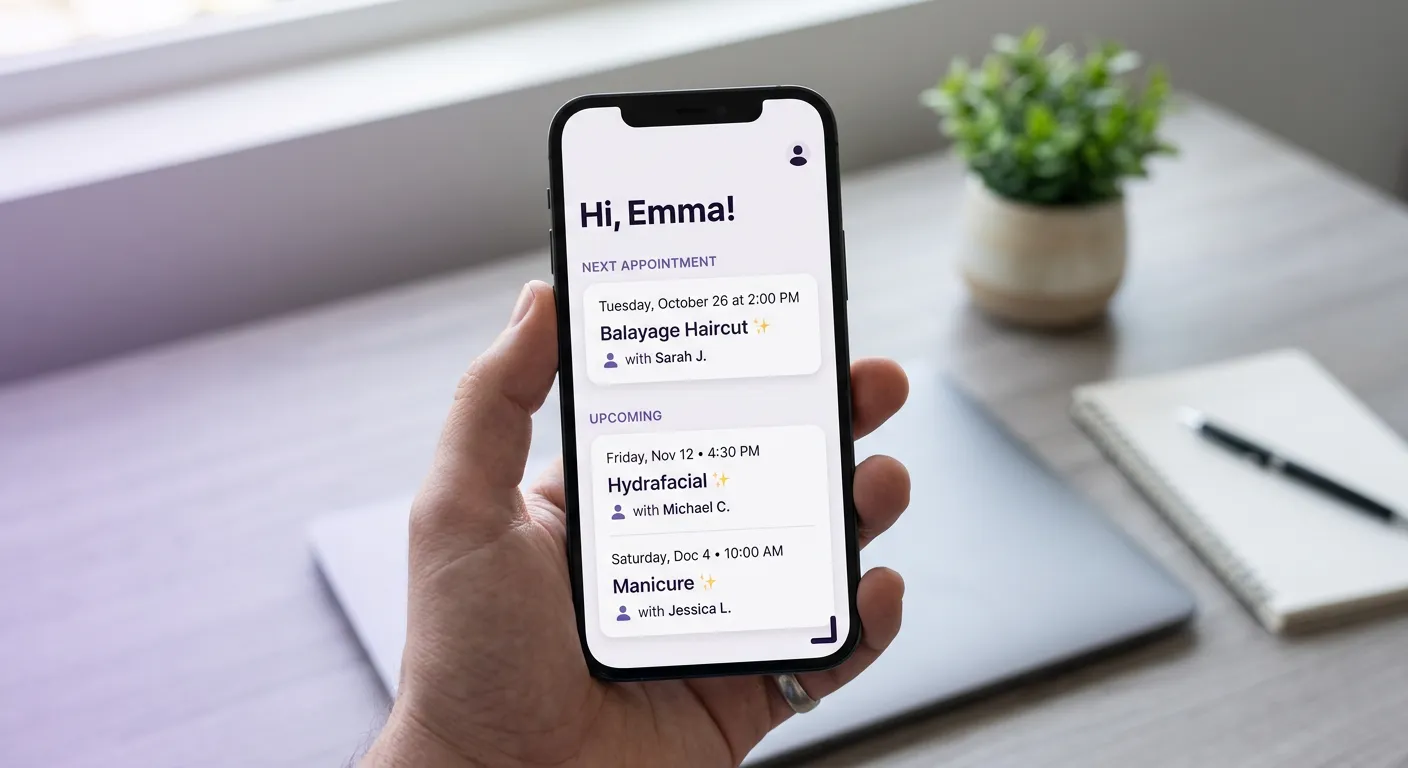
A client wants to check what time their appointment is. They don’t have the confirmation email anymore. So they call the salon during the only time the salon is busy, or they text the stylist’s personal number, or they just show up and hope.
That phone call costs you about four minutes of front-desk time. Multiply by however many clients ask “what time is my appointment?” in a week, and you have a real drain on the people who should be booking new clients, handling checkouts, or answering the phone for something that actually needs a person.
The salon client account page solves that. Lutily now has one.
What the salon client account page shows
A client taps their phone number at your booking page. They get a verification code. They enter it. They are in.
Once signed in, they see:
- Their next appointment, with date, time, stylist, service, and a link to manage or cancel.
- Any other upcoming appointments below that.
- Their full booking history, including past visits and cancelled ones.
- Their waitlist status if they are on one, with time remaining and a button to leave.
- Their profile information: name, phone number, email. All editable.
That’s the whole surface area. No dashboard clutter, no marketing widgets. The page answers the question the client came to answer.
Why a client portal for salon bookings cuts front-desk load
Zenoti’s 2025 survey found that 77% of salon regulars still believe calling is the easiest way to change an existing appointment, even as they grow frustrated with phone wait times and limited availability. The workaround is to give them something faster than a phone call.
A self-service booking portal does exactly that. Research on appointment systems has found that self-scheduling drops no-show rates by around 29% because clients rescheduling themselves picks a time that actually works, instead of gritting through the original one. And 52% of appointment bookings happen between 5 PM and 9 AM when your desk is closed. If the only way to check or change an appointment is a phone call during salon hours, you are blocking clients from doing something they would otherwise do at 11pm on their couch.
This is the same principle behind clients booking at midnight. Give the client a self-serve path at the moment they think about it, and they use it. Force them to wait until business hours, and half of them forget or get annoyed.
How clients sign in
No password, no separate account creation. The sign-in uses the same phone verification Lutily already uses for bookings.
Client taps Sign in
A link to /account on your booking page opens the sign-in view.
Phone number entered
The client types their phone. The system sends a 4-digit SMS code. Rate-limited to prevent abuse.
Code verified
The client enters the code. A client JWT is stored in their browser so they stay signed in on that device.
Account loads
Upcoming appointments, history, waitlist status, and profile info all fetch in parallel. The page is ready in under a second.
The token is scoped to the client and tied to their phone number. If they clear cookies or switch devices, they verify again. Nothing is permanent and nothing is shared across salons.
💡 Your clients can already use this
The account page is live at /account on every Lutily booking site. You do not need to enable anything. A client who has booked at your salon before can sign in today with the phone number they used to book.
What clients can do from the account page
The point of the page is not to read-only. Clients can act on what they see.
Phone and email changes require a fresh verification on the new value. That prevents a client from typing in a number they don’t own, and it keeps your reminders going to a verified inbox.
How a client profile page fits with the rest of the booking flow
The account page does not replace the booking flow, it sits next to it. A first-time client still books without signing in. A returning client who wants to skip entering their name and phone again just signs in once, and future bookings pre-fill automatically.
Clients who manage their own waitlist entries free up your front desk from “am I still on the waitlist?” texts. Clients who can see their full history stop asking what formula you used last time. And clients who can reschedule themselves skip the phone call entirely, which is the outcome the reschedule notification changes were already pushing toward.
The account page closed the loop. Clients get a place to manage their own bookings. You get back the time you used to spend answering questions about them.