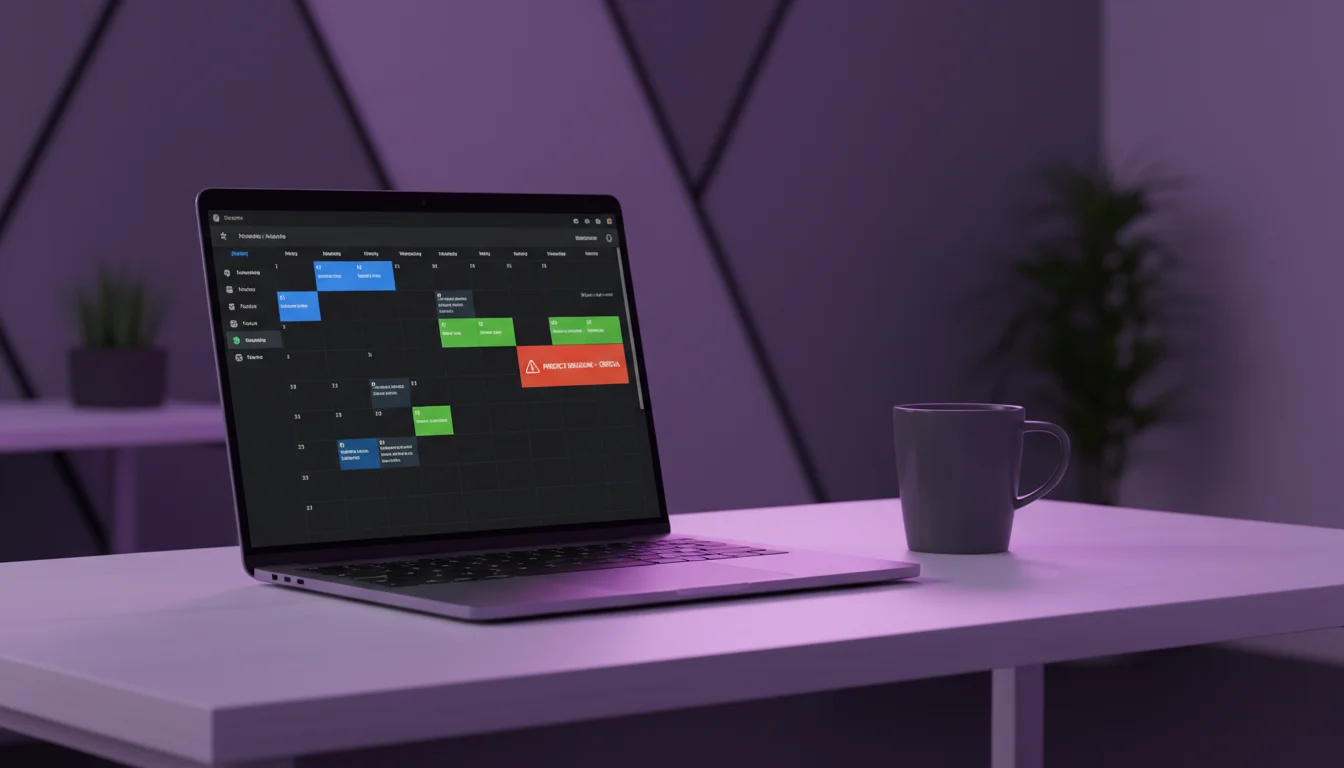
We had a question to answer early on: what should happen when a salon owner shortens a staff member’s working hours, and there are already confirmed appointments in that window?
Three options were on the table.
Option 1: Auto-cancel conflicting appointments
This is the fastest path for the salon owner. Change the hours, system cancels the overlapping bookings, clients get a text. Done.
The problem: a Square survey found that 57% of salon clients who left for another provider did so because of scheduling or booking friction. An auto-cancelled appointment is about as much friction as you can create. The client didn’t cancel. The client didn’t no-show. The business pulled the rug.
A single cancelled-by-business appointment doesn’t just cost the revenue from that visit. The average salon retains only 60-70% of clients year over year. That number accounts for clients who drift away on their own. Add in business-initiated cancellations and the math gets worse.
Option 2: Warn but allow the schedule change
Show a dialog listing the affected appointments, then let the owner save anyway. This feels reasonable. You informed them. They chose.
In practice, people click through warnings. Especially when they’re adjusting schedules on their phone between clients, mid-afternoon, while someone’s under the dryer. The appointments vanish. The text goes out. The client sees “Your appointment has been cancelled” with no context. The damage is done, and the owner barely registered the warning.
Option 3: Block the schedule change until conflicts are resolved
This is what we built. If you try to shorten working hours, add a day off, or extend a break, and any confirmed appointment would fall outside the new window, the save fails. You get back a list of exactly which appointments conflict: client name, service, time.
The system forces you to deal with the appointments first. Reschedule them. Cancel them manually with a reason. Move them to another staff member. Then change the hours.
💡 What gets flagged
Three types of conflicts trigger the block: an appointment on a day being set to “off,” an appointment that starts or ends outside the new working hours, and an appointment that overlaps with a new break window.
Why blocking schedule conflicts reduces no-shows and lost revenue
It takes about thirty seconds longer than the other options. You have to handle each conflict before the schedule saves. That friction is intentional.
A Dingg analysis found that scheduling disruptions cost salons $2,000-$5,000 per month in lost revenue and client dissatisfaction. Most of that comes from errors nobody noticed in time. A confirmation dialog doesn’t fix an error you didn’t read. A hard block does.
There’s a second benefit: the conflict list doubles as a to-do list. When you see “Sarah, balayage, Thursday 4pm” in the conflict response, you know exactly who to call and what to reschedule. No digging through your calendar to figure out what you just broke.
We talked to salon owners during development. The ones who’d been burned by accidental cancellations wanted the strictest option. The ones who hadn’t been burned yet wanted the fastest option. We went with the people who’d learned the hard way.
What we’d reconsider
If we see salons regularly needing to bulk-reschedule conflicts (a stylist calls in sick and has eight appointments that day), we’ll build a batch-reschedule tool that lets you move all affected bookings to another staff member in one step. The block stays. The resolution gets faster.
Right now, the system does one thing well: it refuses to let a client’s confirmed appointment disappear because someone adjusted a schedule without looking at the calendar first. Thirty seconds of friction. Zero surprise cancellations.
Surprise cancellations are just one way salons lose money to scheduling problems. No-shows are the other. Our no-show cost calculator shows exactly how much missed appointments cost your business, and a strong cancellation policy handles the client-initiated side of the equation.